


We’ve been receiving messages from Shopify merchants complaining they are having problem with listed products. The inventory keeps showing 0, or sold out.
How to solve this problem? Follow our steps!
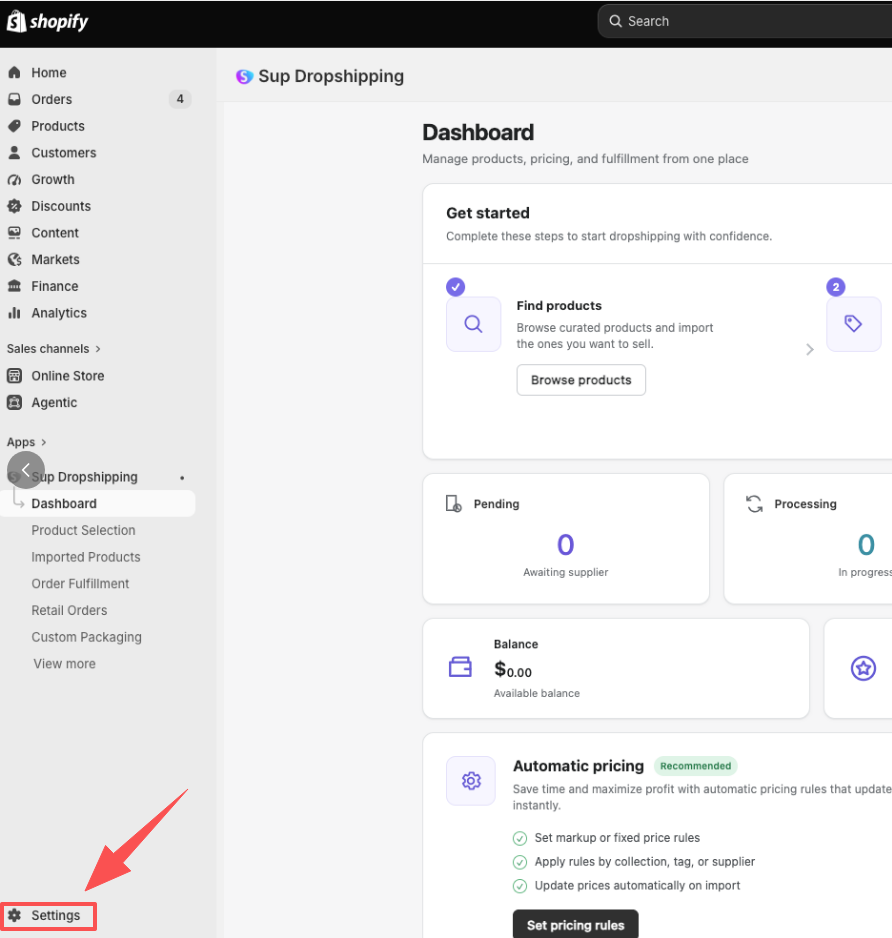
- Log in to Shopify admin, check your left sidebar and click ‘Settings’.
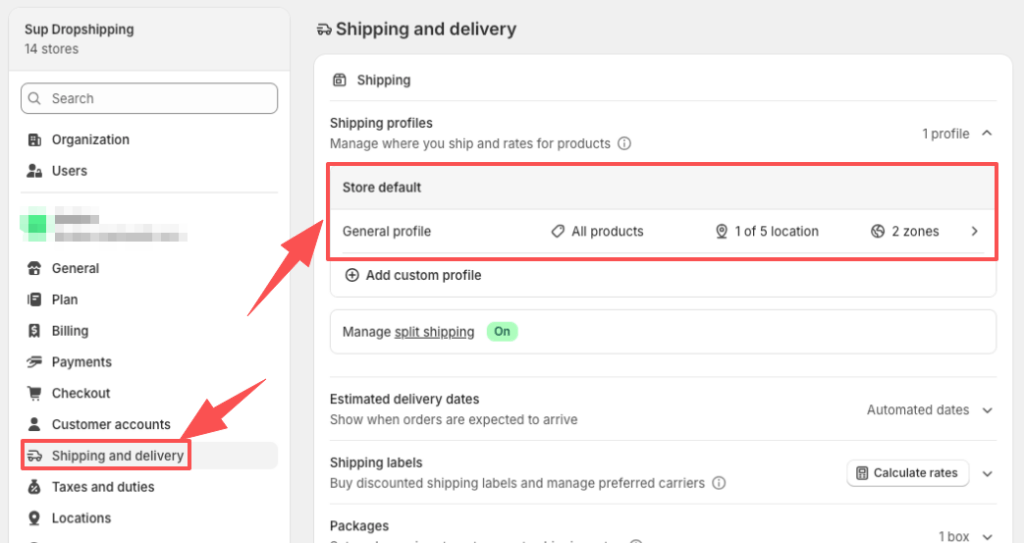
2. Click ‘Shipping and delivery’, then click ‘General profile’ in ‘Shipping profiles’ list.
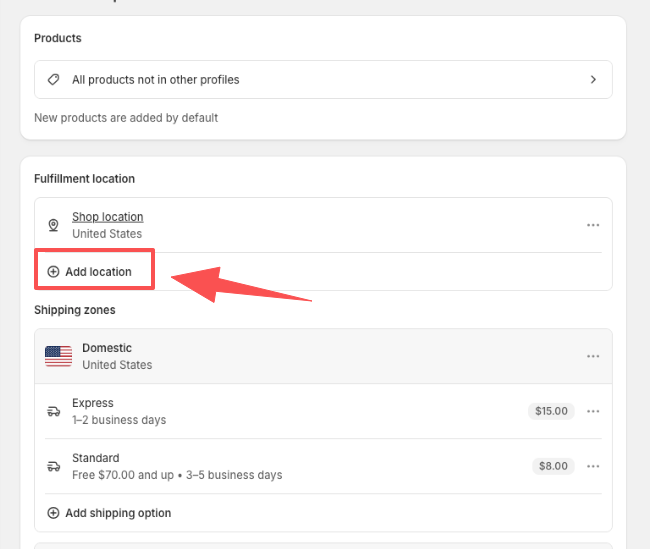
3. Click ‘Add location’.
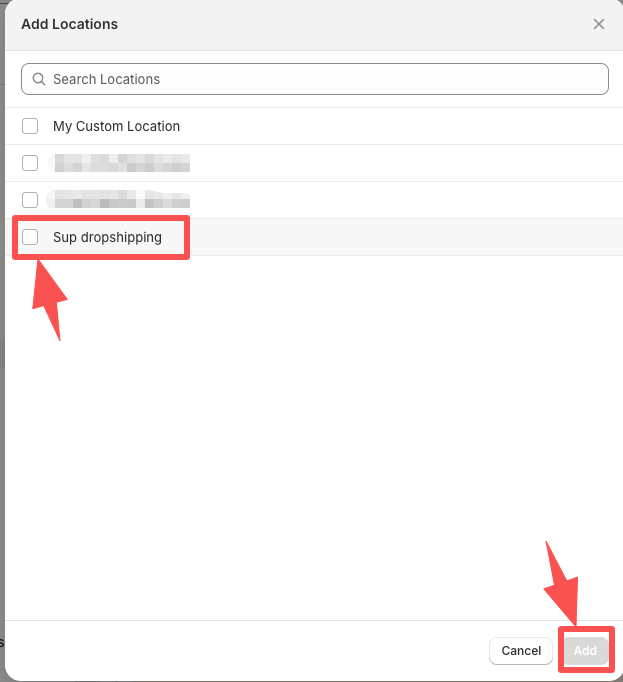
4. Tick the box before Sup Dropshipping and click ‘Add’.
That’s it! You are all done now! Isn’t it easy? Try it out now!
If you still have problems, please contact your personal agent, or send an email to [email protected].